
You’re signed up!
Born for These Times
Rise of the Feminine Light Leader
Free Masterclass for Awakening Women
Friday, June 5, 2026
1pm Pacific | 4pm Eastern | 8pm London | 7am Sydney (Sat. 6th)

Because of so much spam, most e-mail and Internet companies use programs to filter or block unwanted email. Overall this is a good thing 🙂 Unfortunately, these programs do occasionally block email you want to get.
To Ensure You Are Receiving Your Emails From Me You Can Simply Do The Following:
Add the following email to your email “white list” of approved emails: dawn@dawndelvecchio.com and support@DawnDelVecchio.com
This will ensure the best chance of receiving my updates and content.
Safelist me now, so your delivery is not interrupted.
Gmail
To add the sender to your contacts:
- Select the email to open it.
- Rest your cursor over the From address.
- Select Add to Contacts.
If the email ends up in your Spam folder:
- Select the email to open it.
- Choose Report not spam.
Yahoo!
To add the sender to your contacts:
- Select the email to open it.
- Rest your cursor over the From address.
- Select Add to Contacts then Save.
If the email ends up in your Spam folder:
- Select the email to open it.
- Click Not Spam.
Outlook
To add the sender to your Safe Senders List:
- Select the email to open it.
- On the Message tab, select Junk, then Never Block Sender.
If the email ends up in your Junk Email folder:
- Select the email to open it.
- On the Message tab, select Report Message, then Not Junk.
- If a ‘Report as not junk?’ popup appears, select Report.
- Back on the Message tab, select Junk, then Never Block Sender.
To add the sender to your Contacts in Office 365:
- Select the email to open it.
- Rest your cursor over the From address.
- Select More Options (three dots).
- Click Add to Contacts, then Create.
If the email ends up in your Junk Email folder:
- Select the email to open it.
- Press Not Junk.
- Click the Report button to report as Not Junk.
Apple iPhone
To add the sender to your Contacts:
- Select the email to open it.
- Press the From address.
- Select the arrow next to From.
- Choose Create New Contact.
- Press Done.
If the email ends up in your Junk folder:
- Select the email to open it.
- Press the arrow at the bottom.
- Select Mark as Not Junk.
Samsung Mail
To add the sender to your Contacts:
- Select the email to open it.
- Press the From address.
- Select Add to Contacts.
- Click Create Contact, then Save.
If the email ends up in your Spam folder:
- Select the email to open it.
- Press More Options (three dots).
- Select Remove from Spam.
Apple Mail Client (Mac OS)
To add the sender to your Contacts:
- Select the email.
- Rest your cursor over the From address.
- Select the down arrow and choose Add to Contacts.
If the email ends up in your Junk folder:
- Select the email.
- Click Move to Inbox.
Thunderbird
To add the sender to your Address Book:
- Select the email to open it.
- Click the From address.
- Select Add to Address Book.
If the email ends up in your Spam folder:
- Select the email.
- Press Junk.
- Select the Not Junk button.
AOL Webmail
To add the sender to your Contacts:
- Select the email to open it.
- Click the From address.
- Select Add to Contact.
- Enter a value in the First Name and Last Name fields.
- Click the Add Contact button to save.
If the email ends up in your Spam folder:
- Select the email.
- Click the OK (“Not Spam“) button.
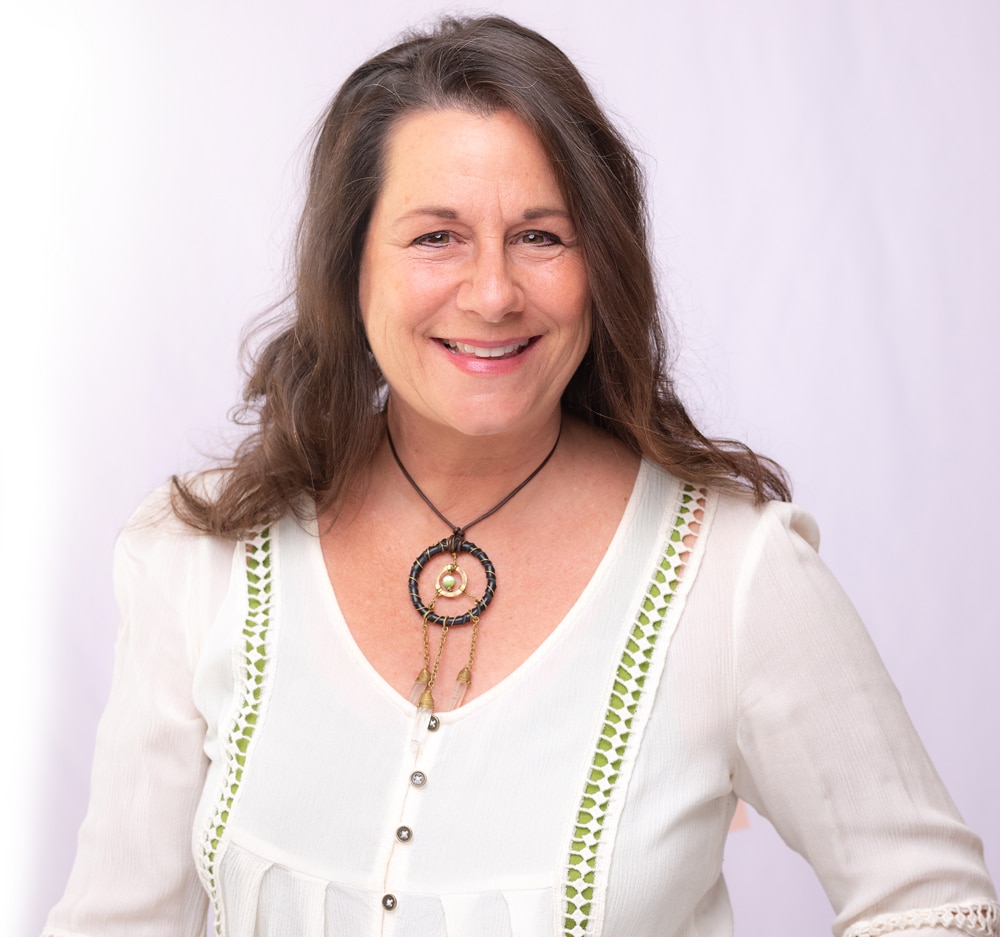
About Your Facilitator
Dawn DelVecchio MA,
Ascension Guide, Priestess, Astrologer, Divine Mother Channel & Earth Gaia Devotee
For over 40 years, Dawn DelVecchio, MA, has walked the Priestess path. She is the lineage bearer of the MotherSpirit Priestess line, founder of the Return of the Priestess speaker series, and The Priestess Sanctuary private community. She is a guide for women called to the Sacred Feminine.
Through retreats, online training, and her “Lift as we RISE” approach, Dawn supports women to lead with Love in these transformative times.
Questions? Contact Us